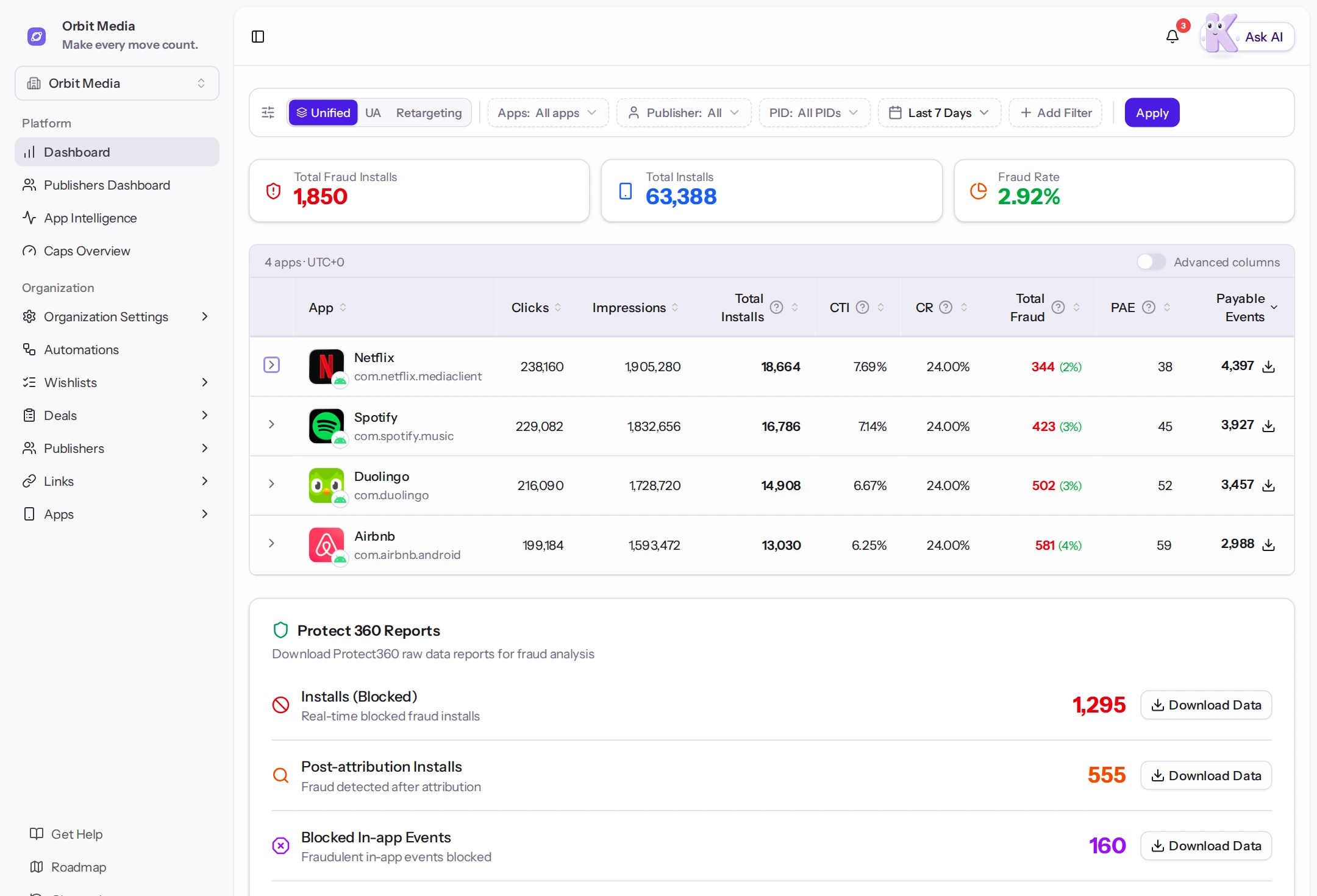
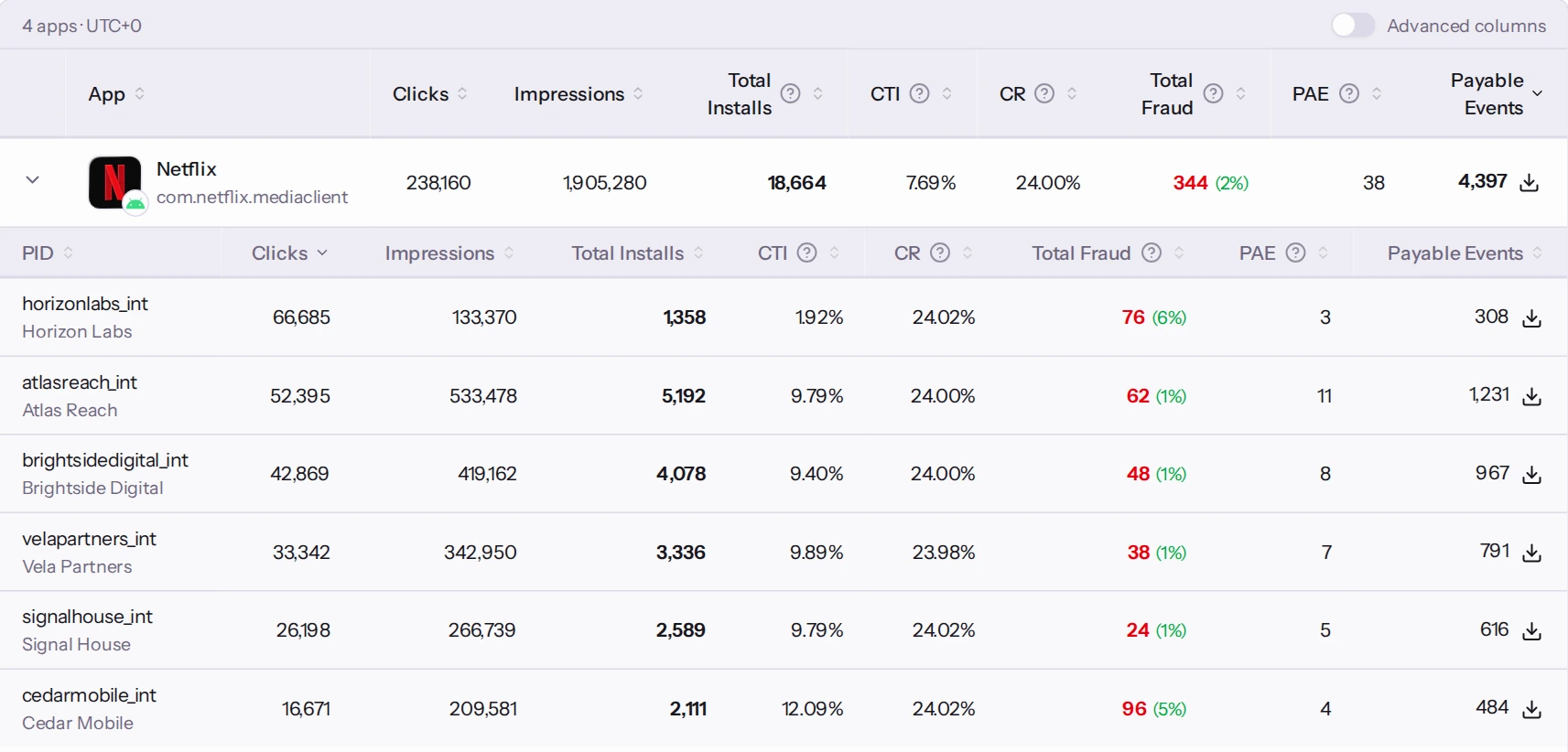
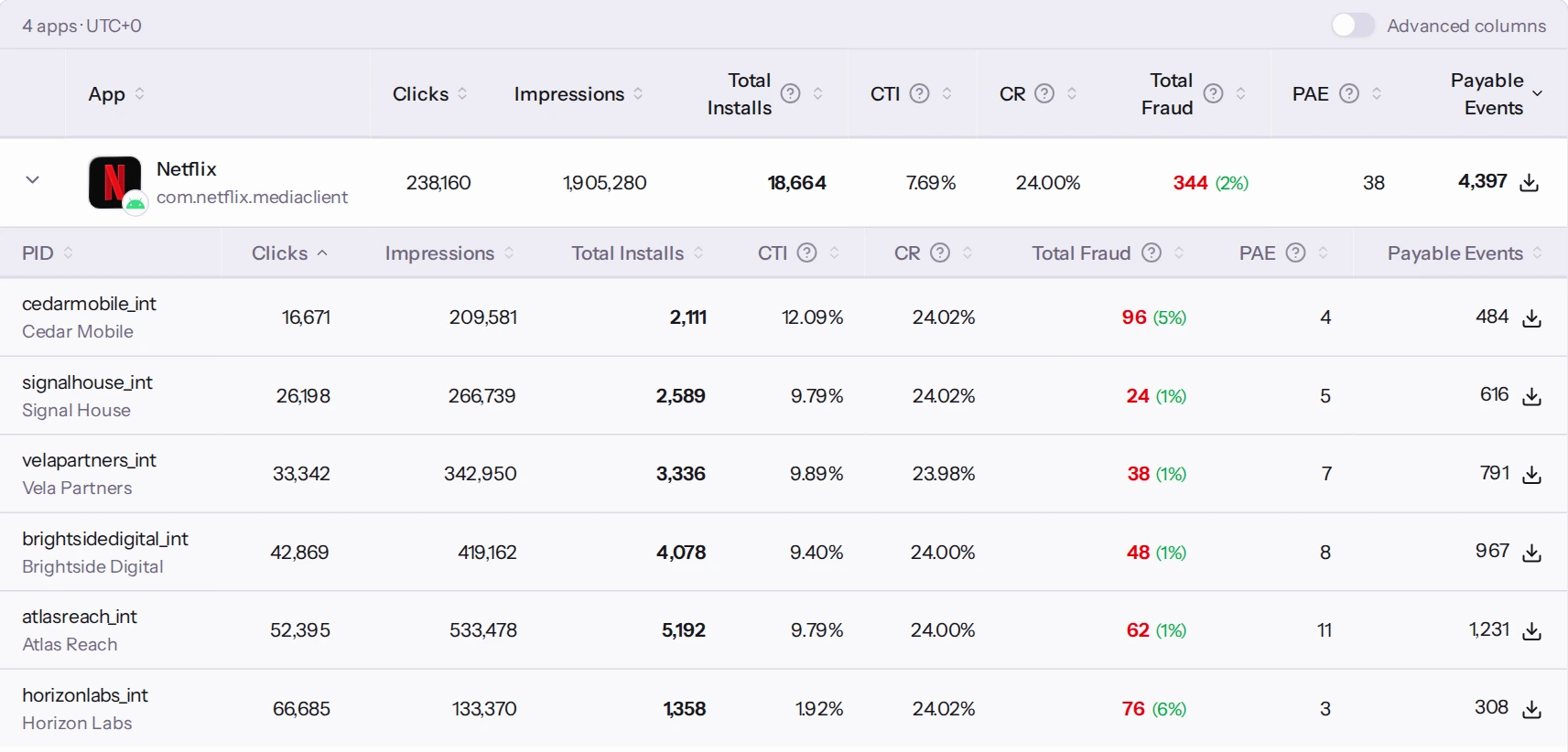
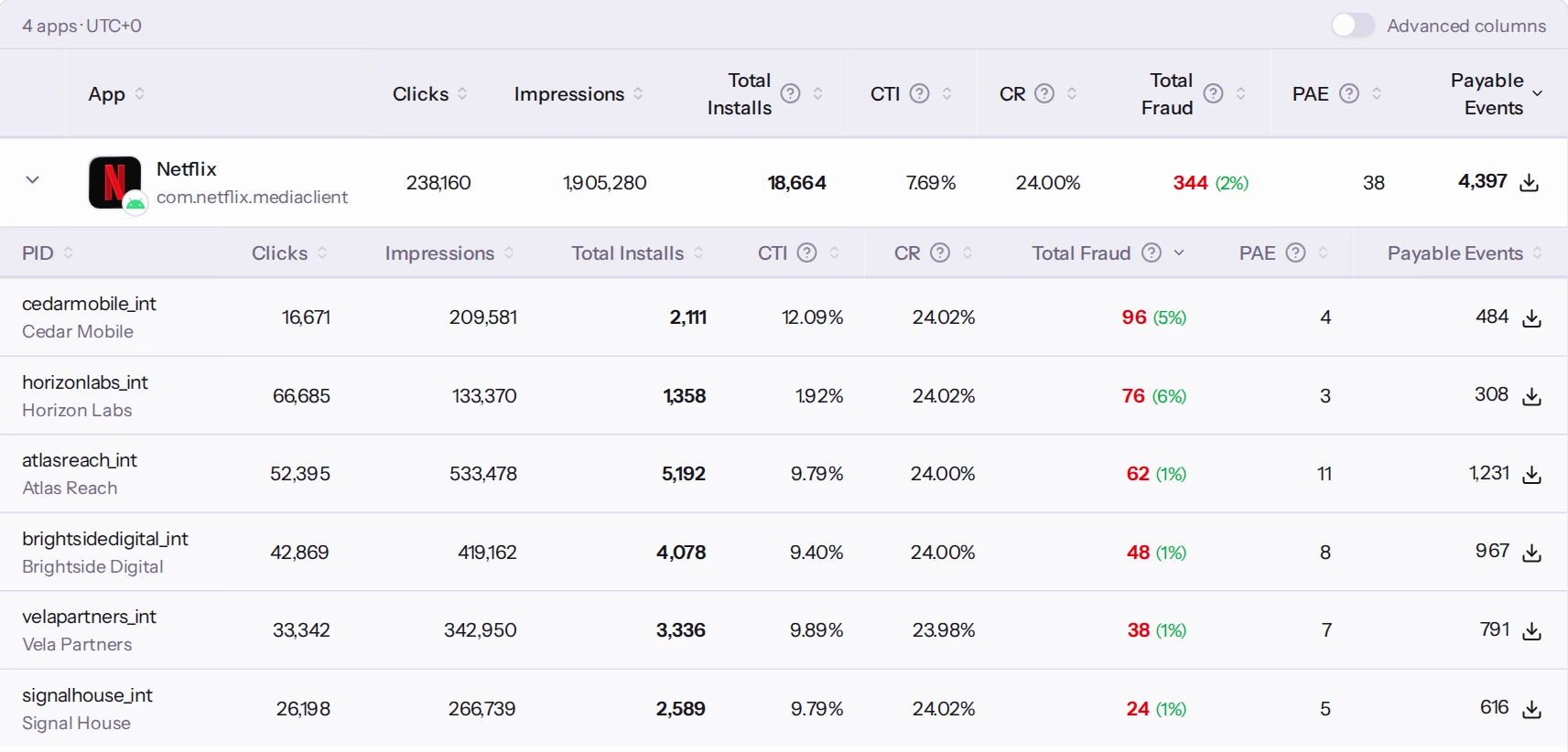
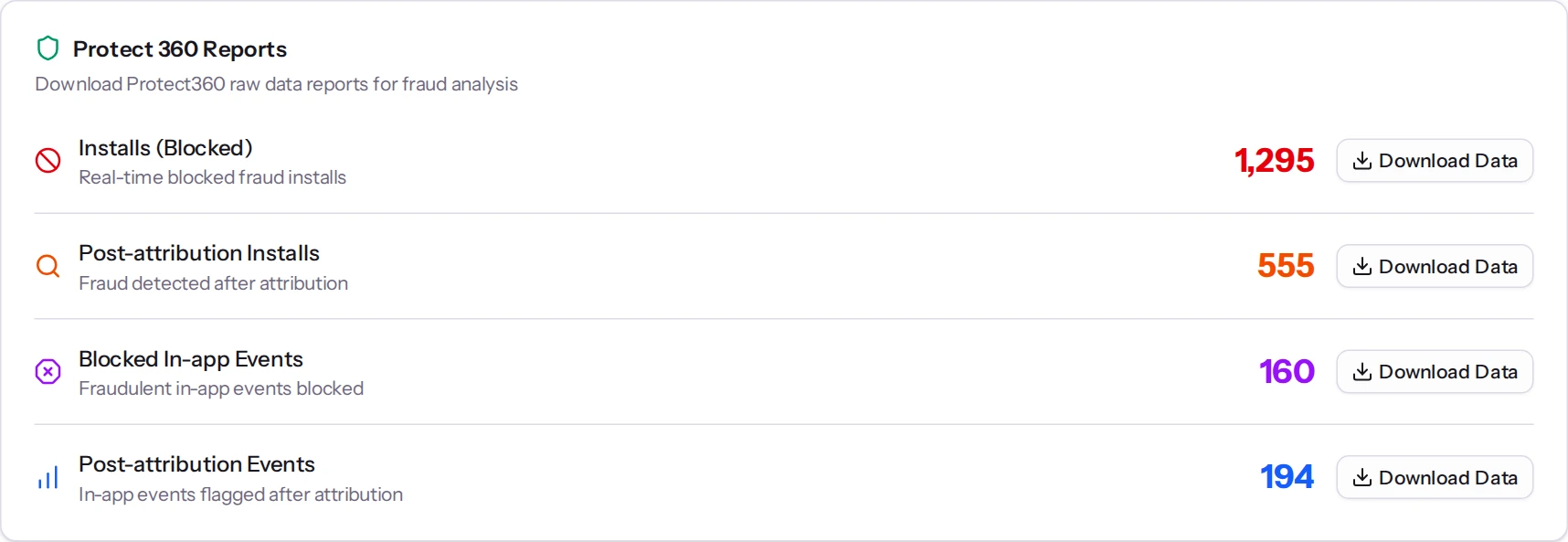
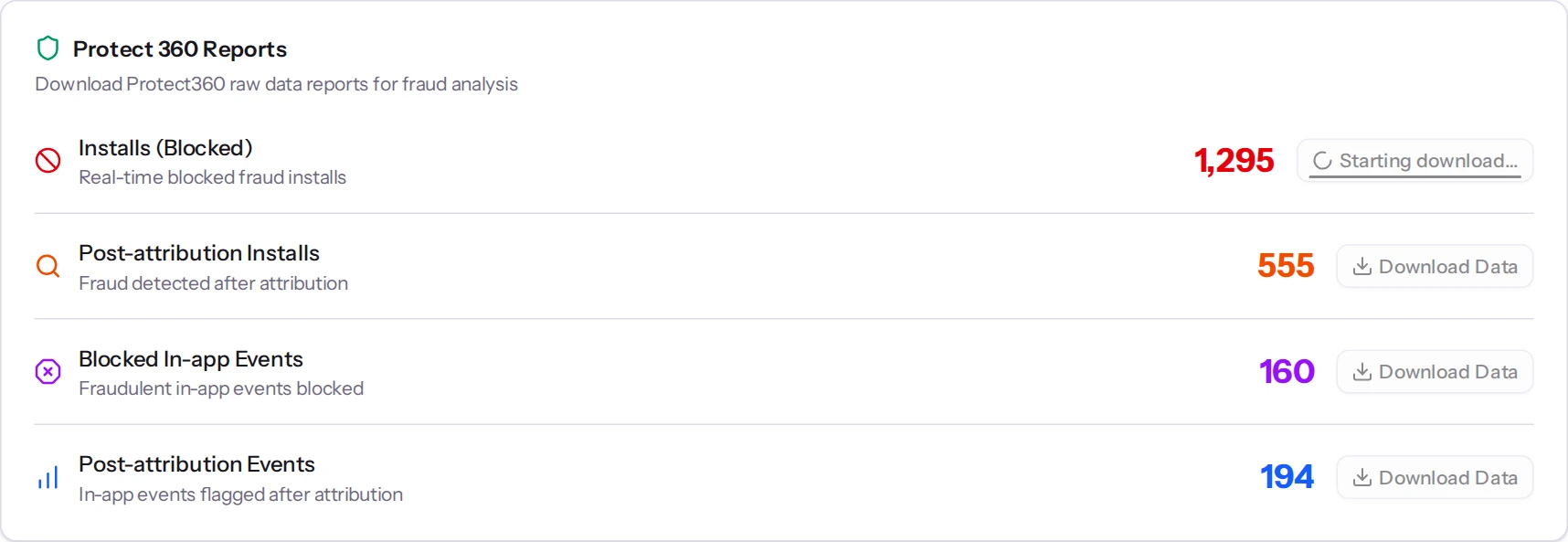
Review blocked and post-attribution fraud
See the quality behind the volume.
Blocked installs, post-attribution fraud and report exports, in the same workspace as your performance data.
Your apps, publishers and performance. Connected.
Your next move? Already easier with Kabby AI.
DEMO WORKSPACEMake every move count.
ONE CONNECTED WORKSPACE
From the first publisher request to the performance review. Keep the work, the people and the data together.
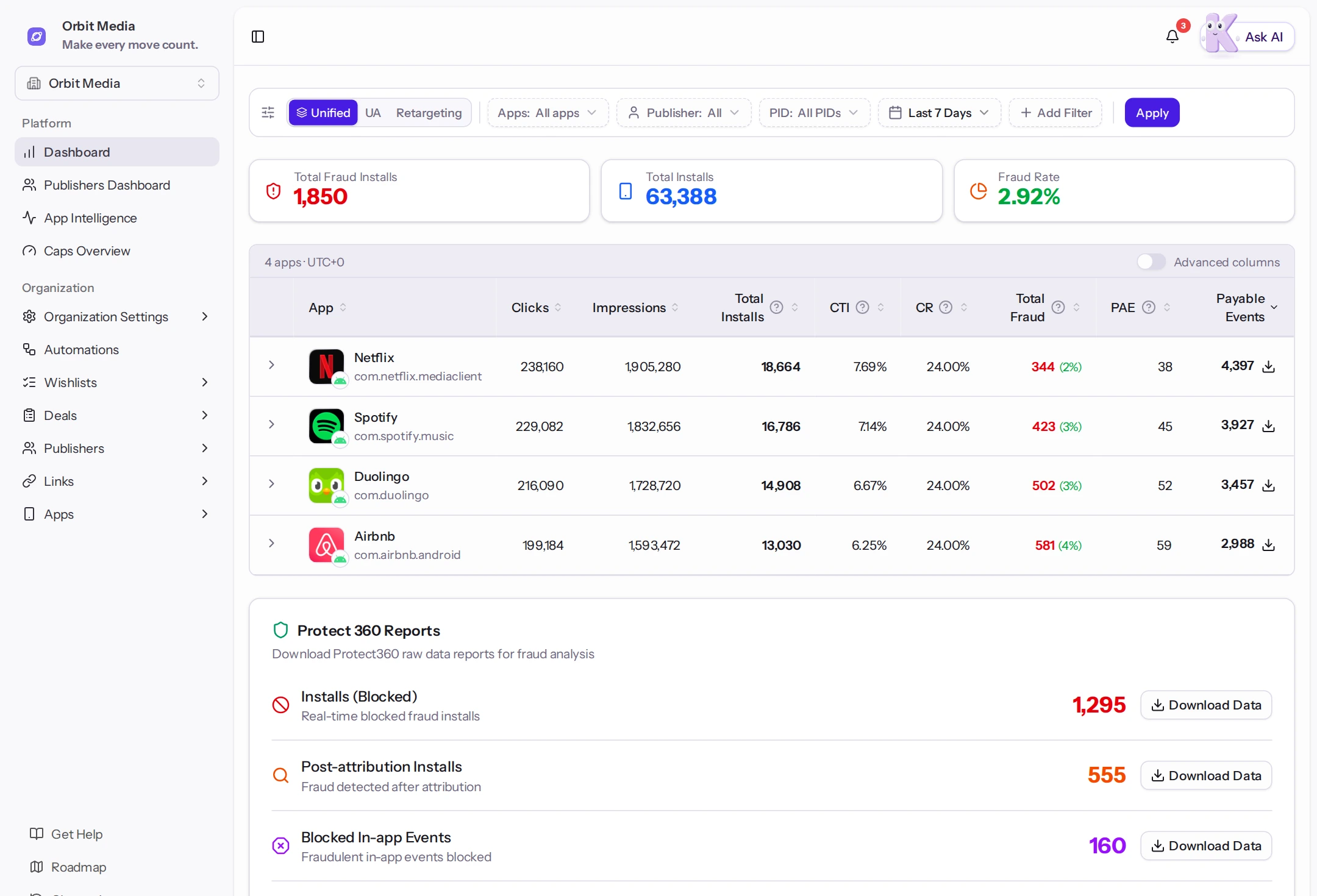
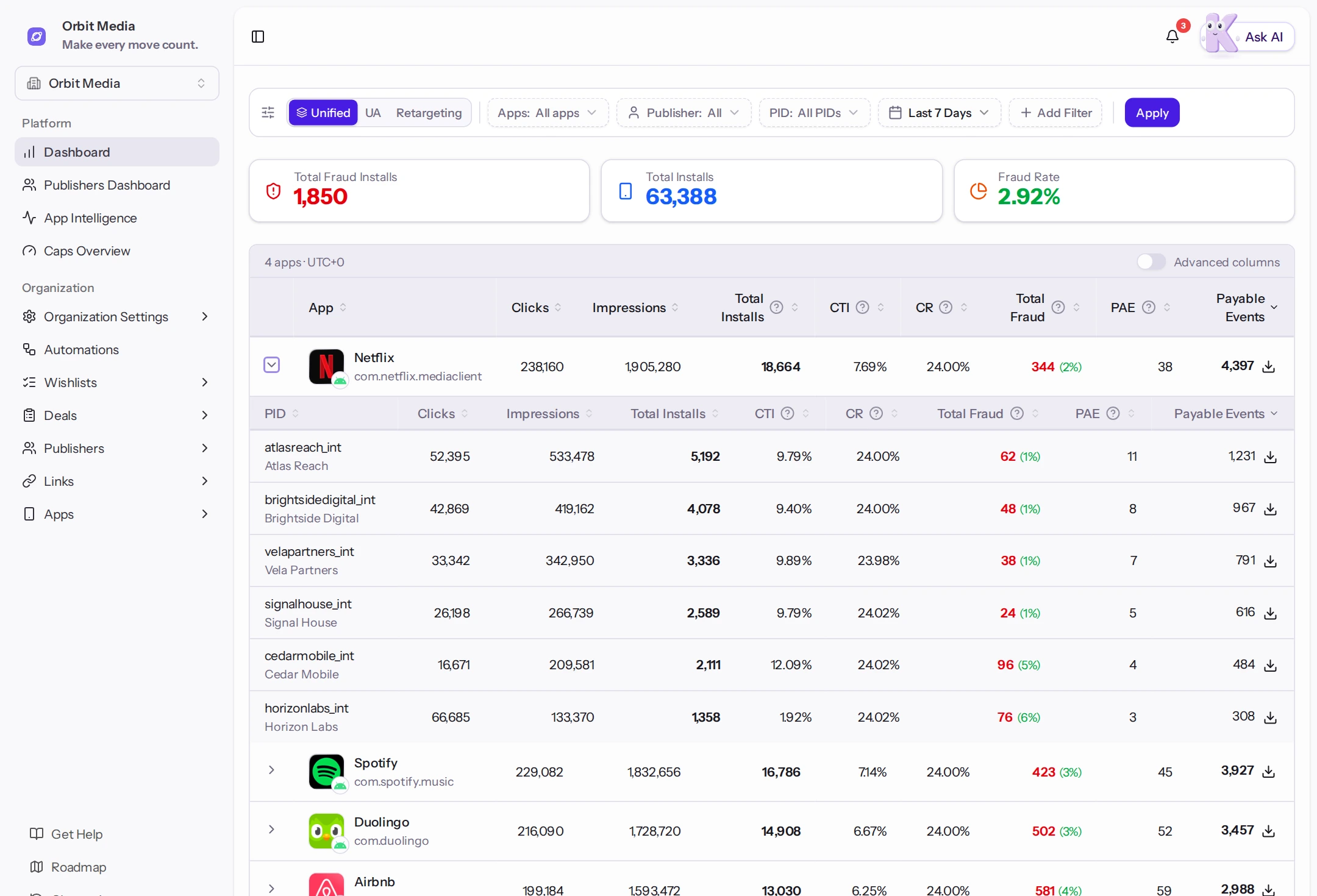
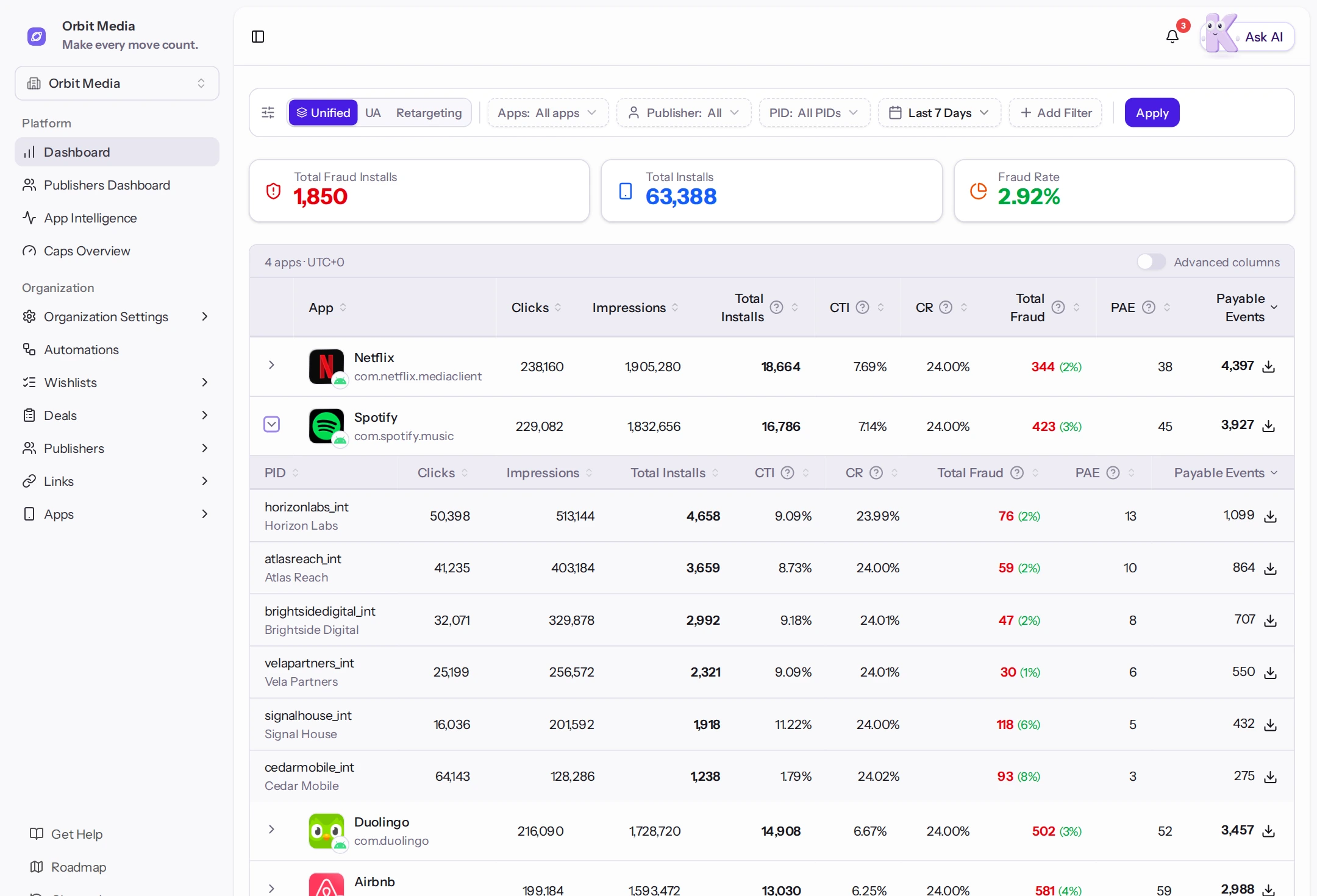
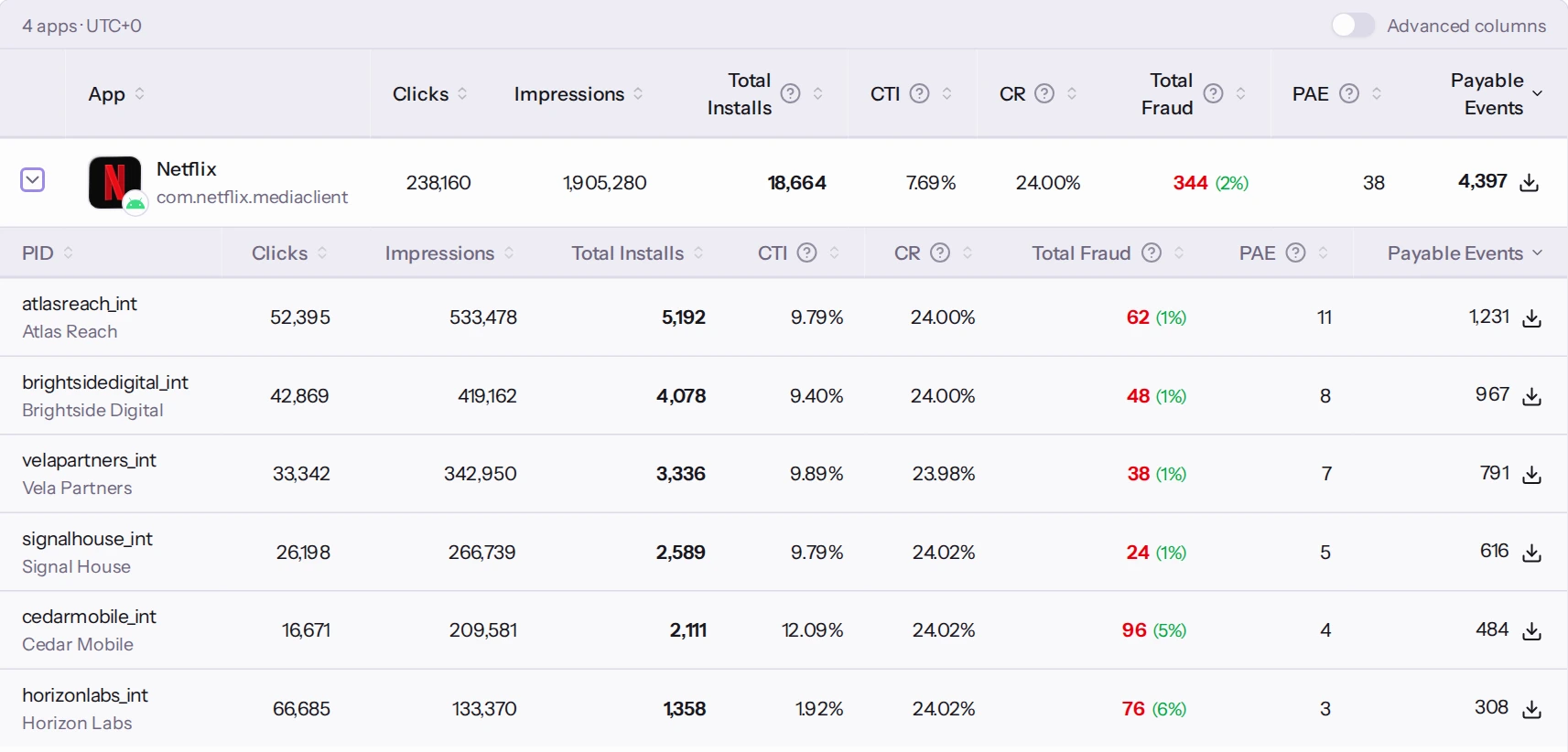
Bring installs, clicks, payable events and conversion rates into one view. Move between unified, user acquisition and retargeting data, then drill down by app, publisher or PID.
YOUR NEWEST TEAMMATE
The AI assistant that knows its way around your workspace. Ask for context, prepare a deal or turn an idea into an automation.
I’ve checked the workspace. Spotify’s fraud rate deserves a closer look. Here’s the context to start with.
Based on the data you can access
YOUR AI, CONNECTED
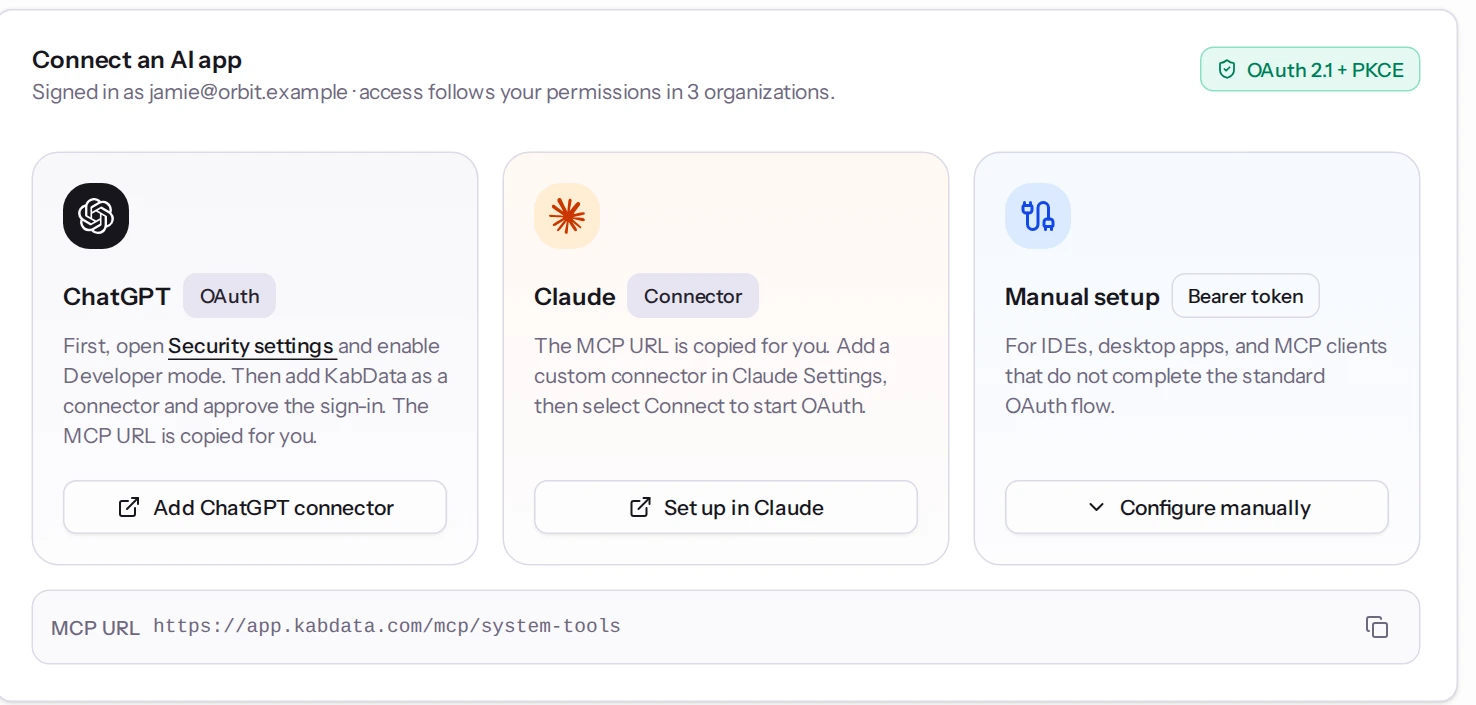
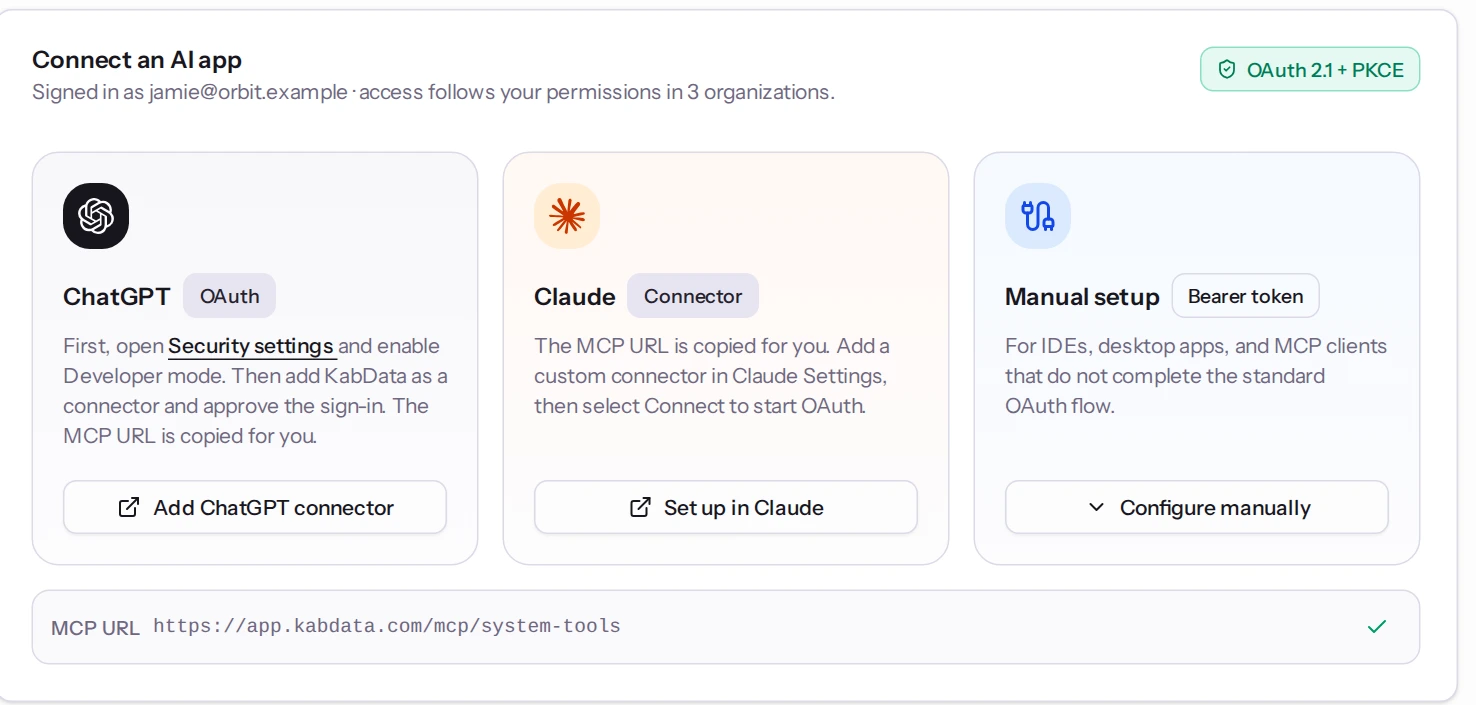
Already working in ChatGPT or Claude? Connect to KabData through MCP and bring your agency workspace into the conversation.
 ChatGPT
 Claude
 KabData Connected through MCP
“Compare publisher performance across my apps and help me prepare the next step.”
Connect from AI Connections. Use the organizations and tools your account can access, with individual connections you can manage and revoke.
ChatGPT, Claude or a compatible MCP client.
Use OAuth, or a personal token for manual setup.
Read data and use the actions your permissions allow.
See authorized clients, review connection activity and disconnect when you need to.
FROM SIGNAL TO ACTION
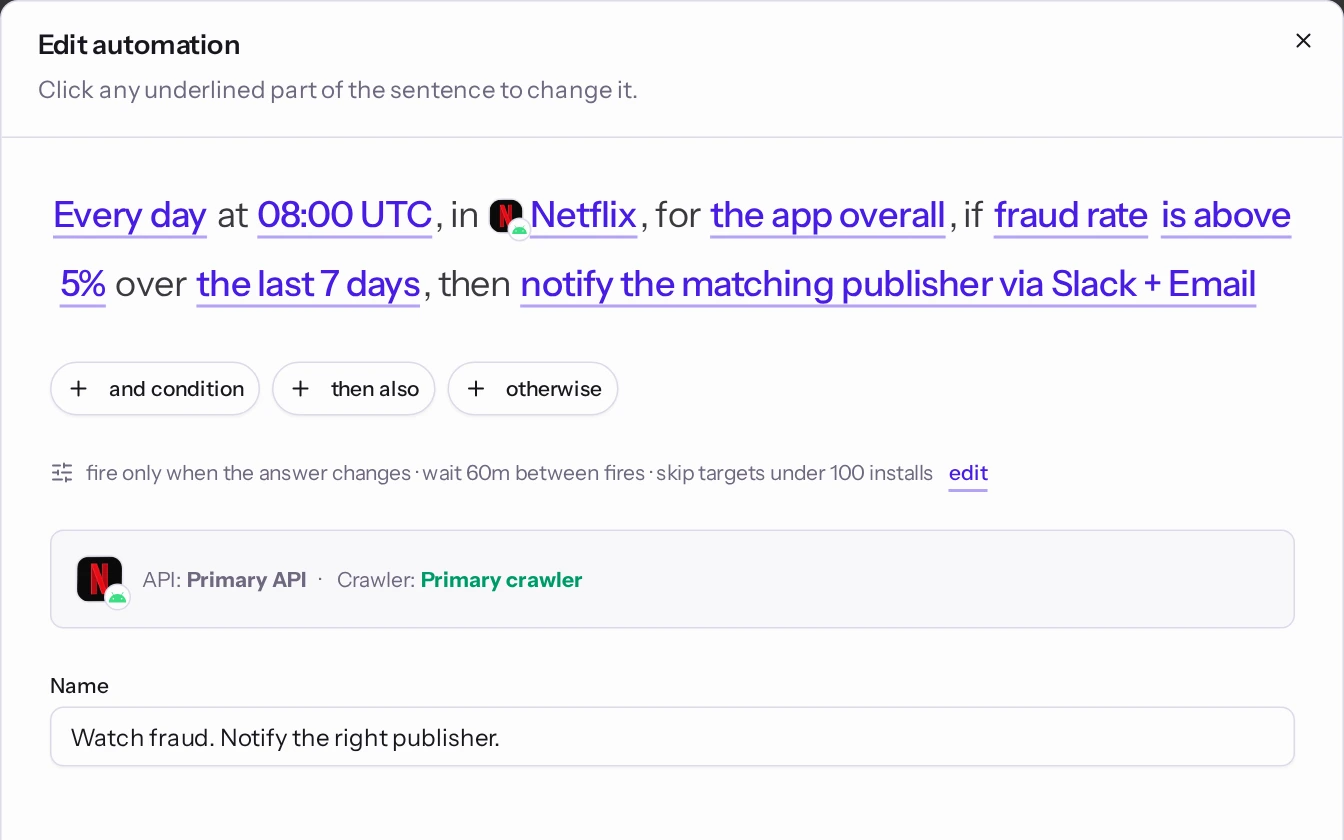
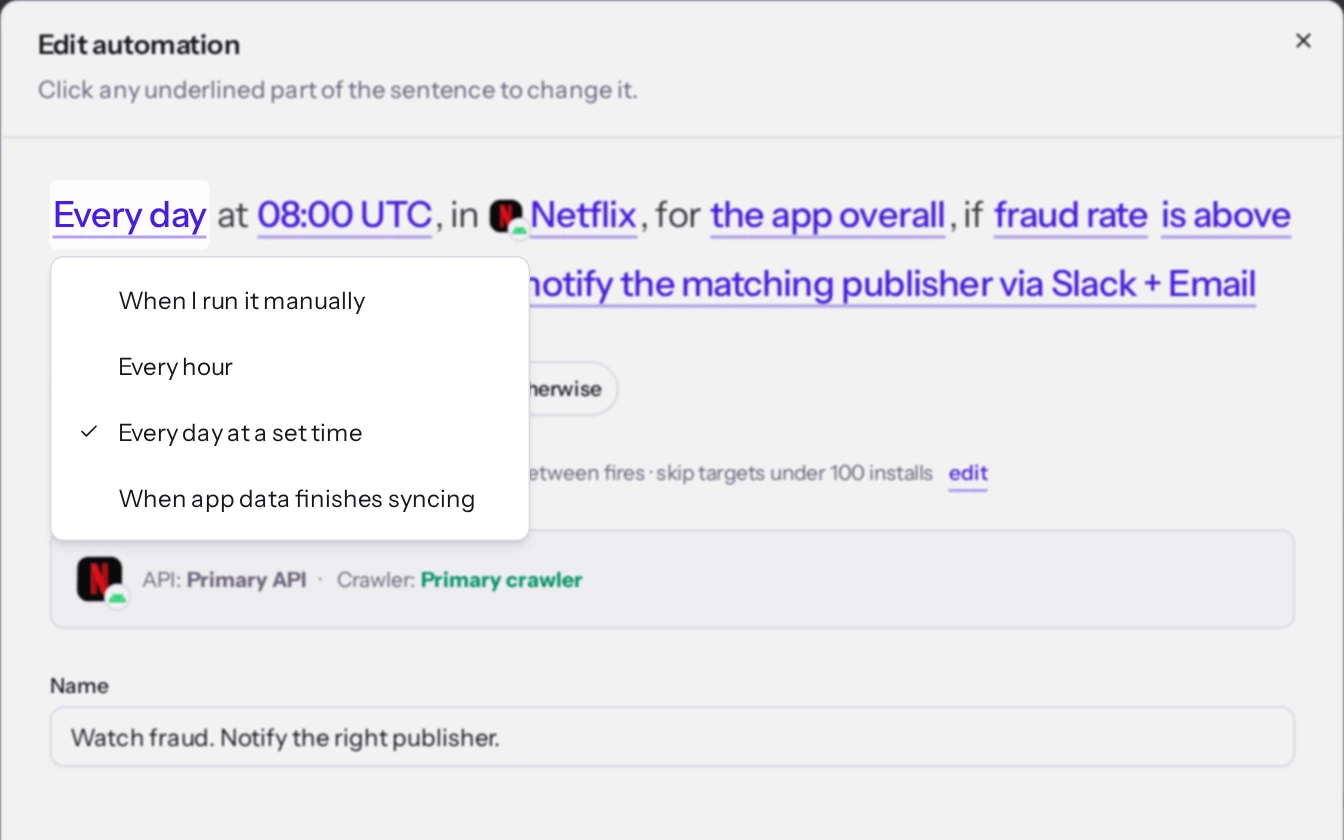
Combine data, rules and actions. Let automations handle repeatable work while your team stays focused on the decisions.
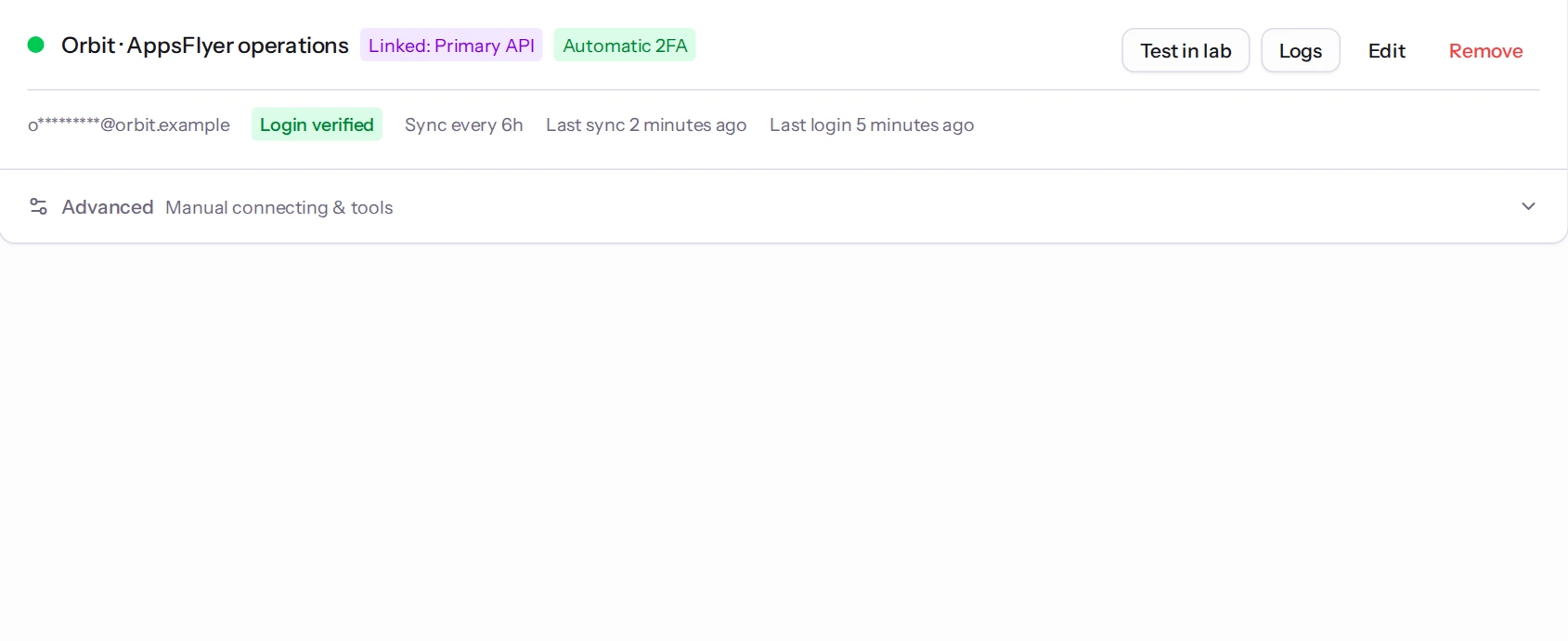
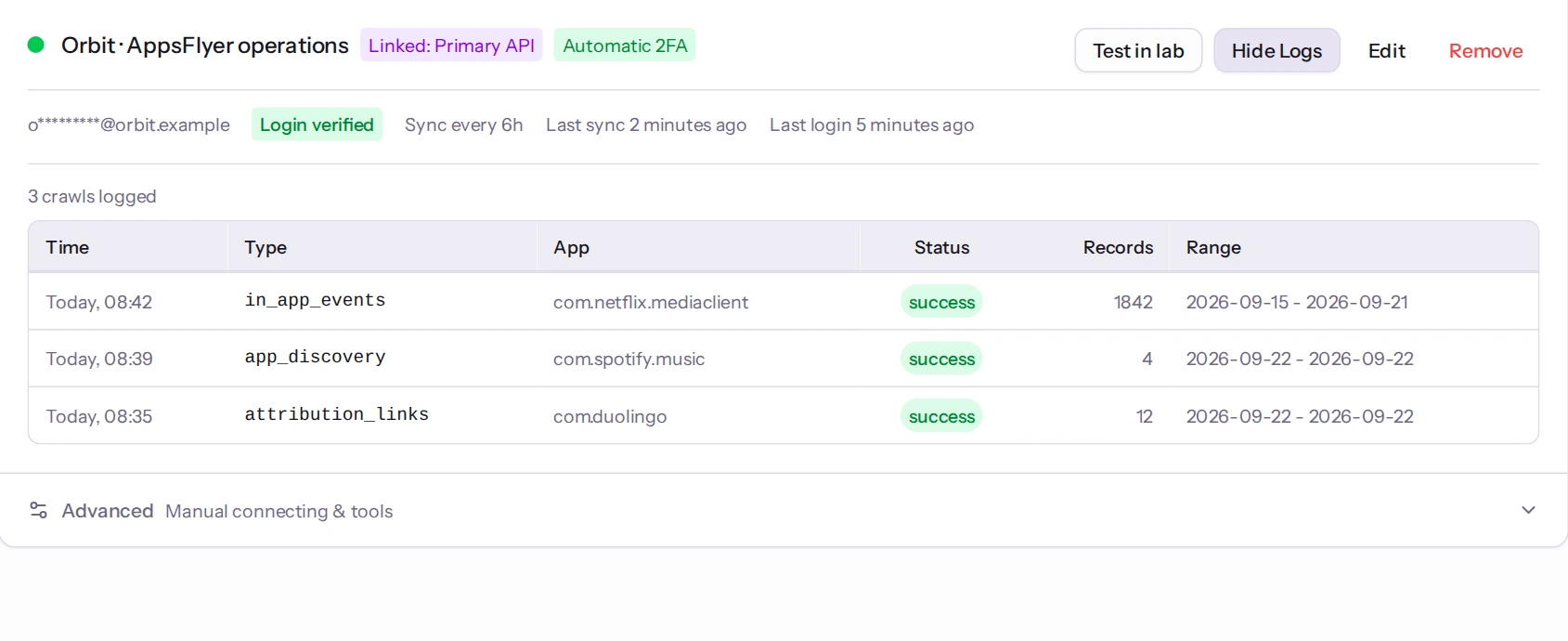
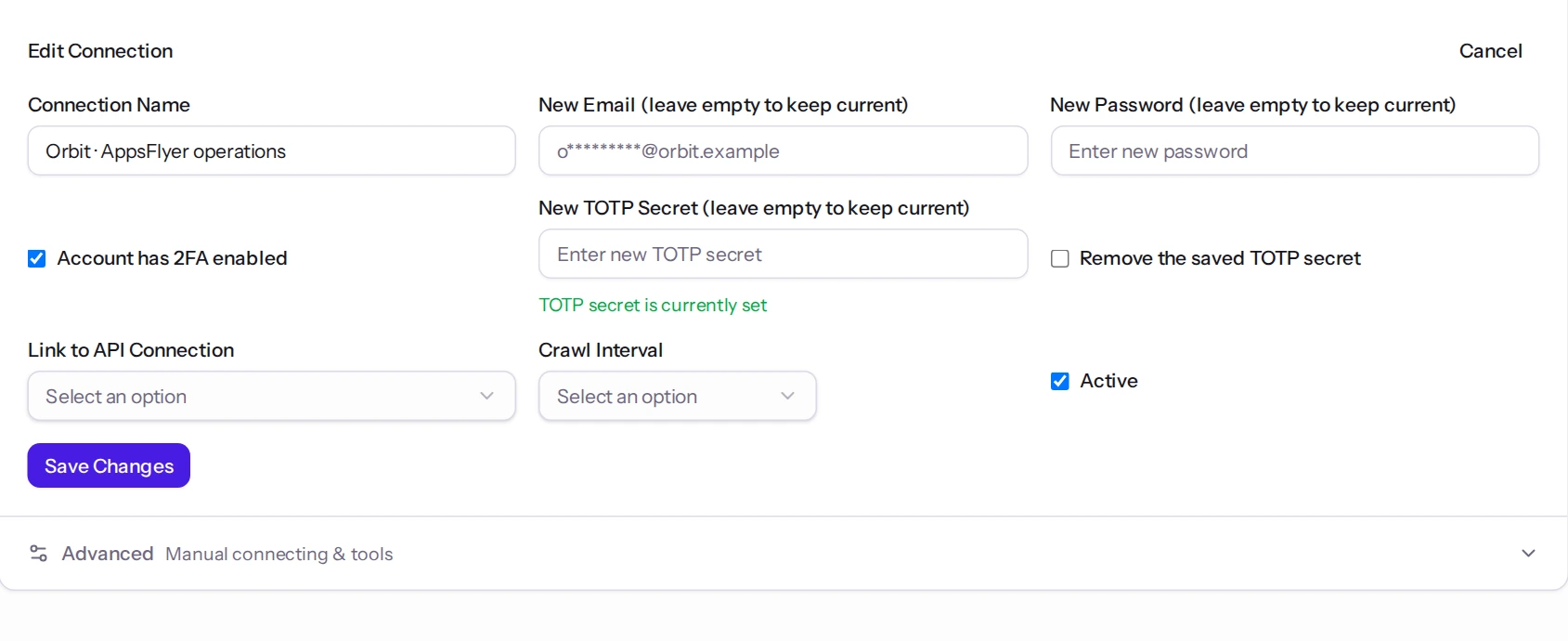
Fill gaps in your data and carry out supported AppsFlyer operations through an authorized browser connection.
Available actions depend on your connection, permissions and the selected workflow.
OPEN THE RIGHT DOORS
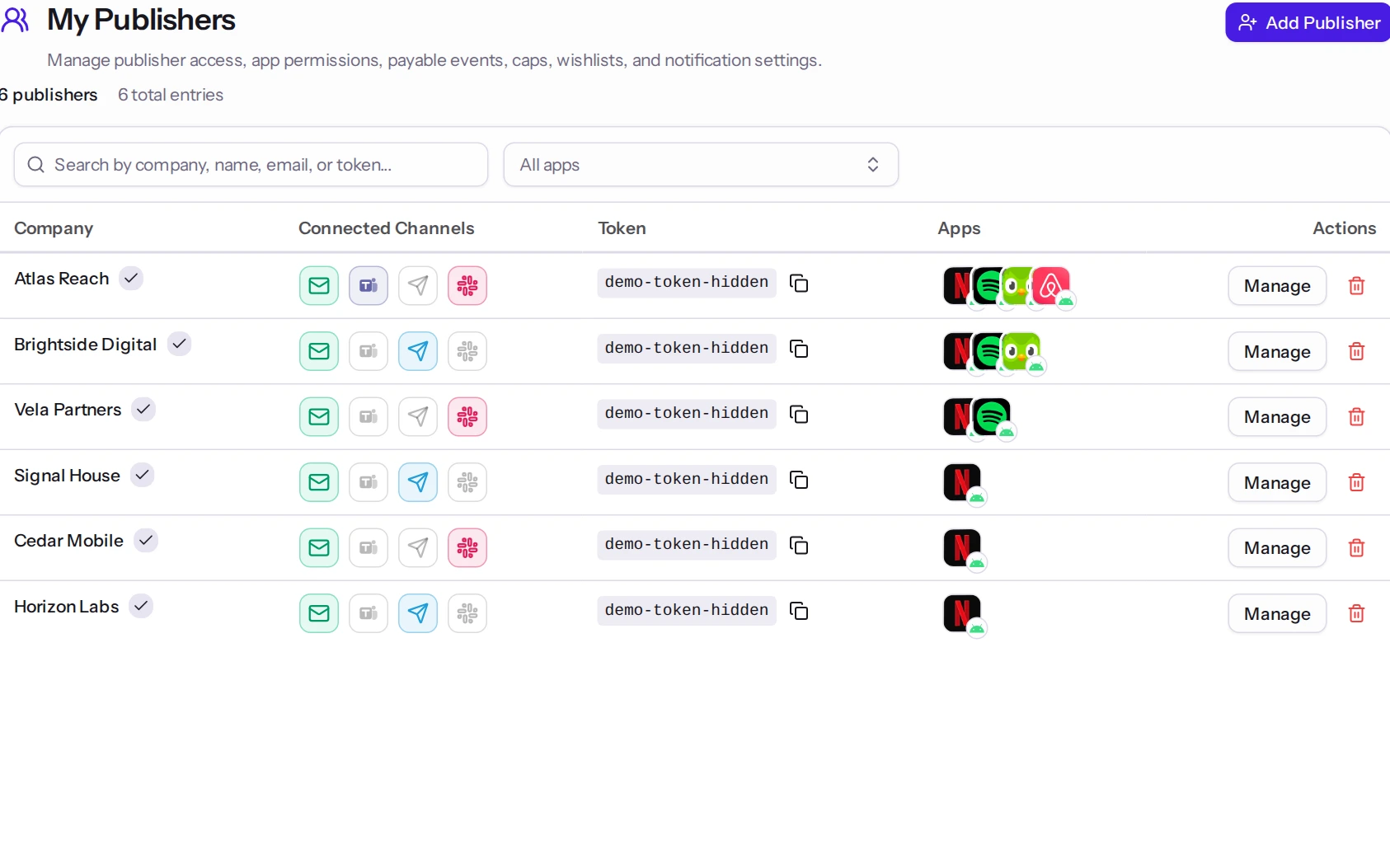
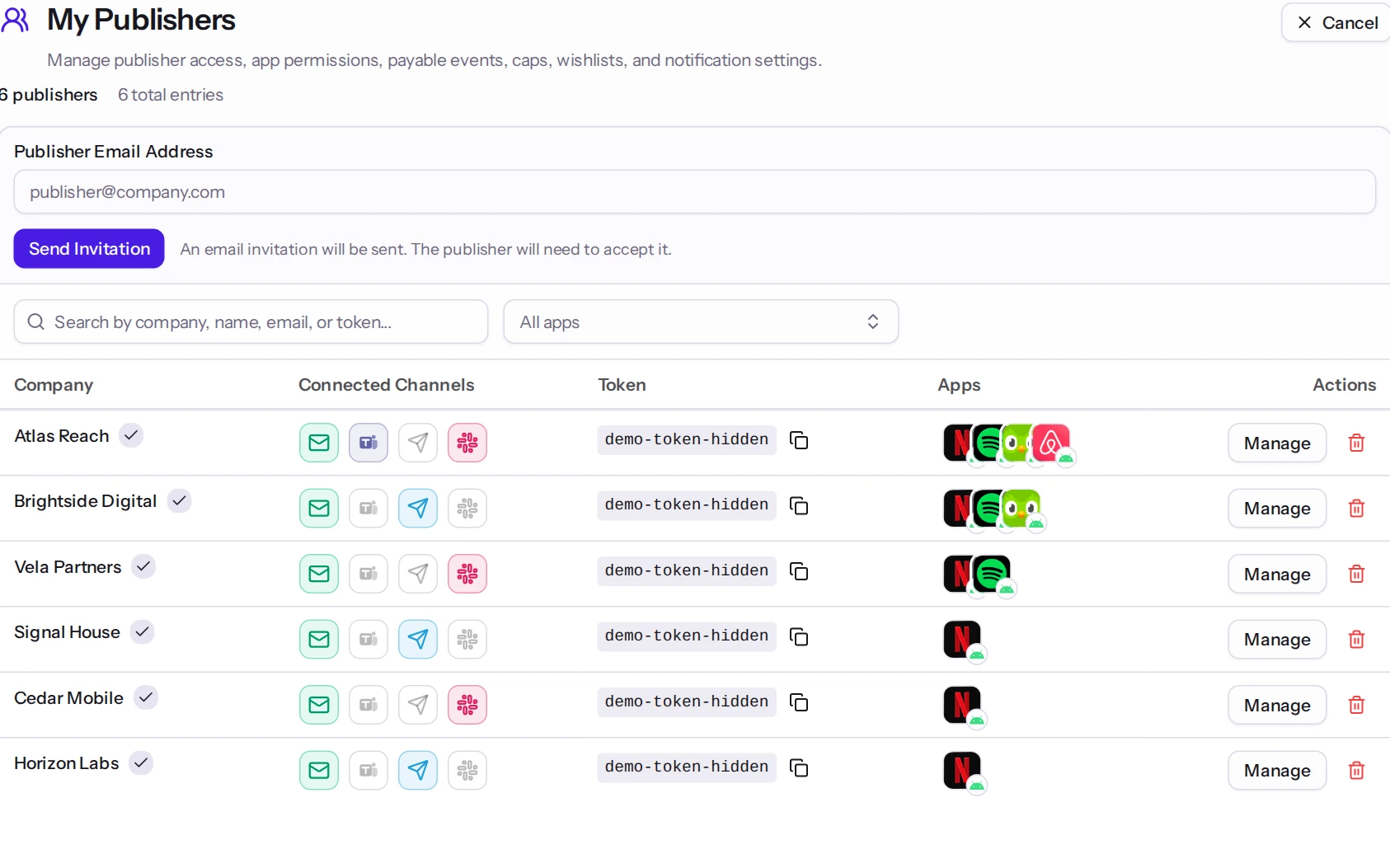
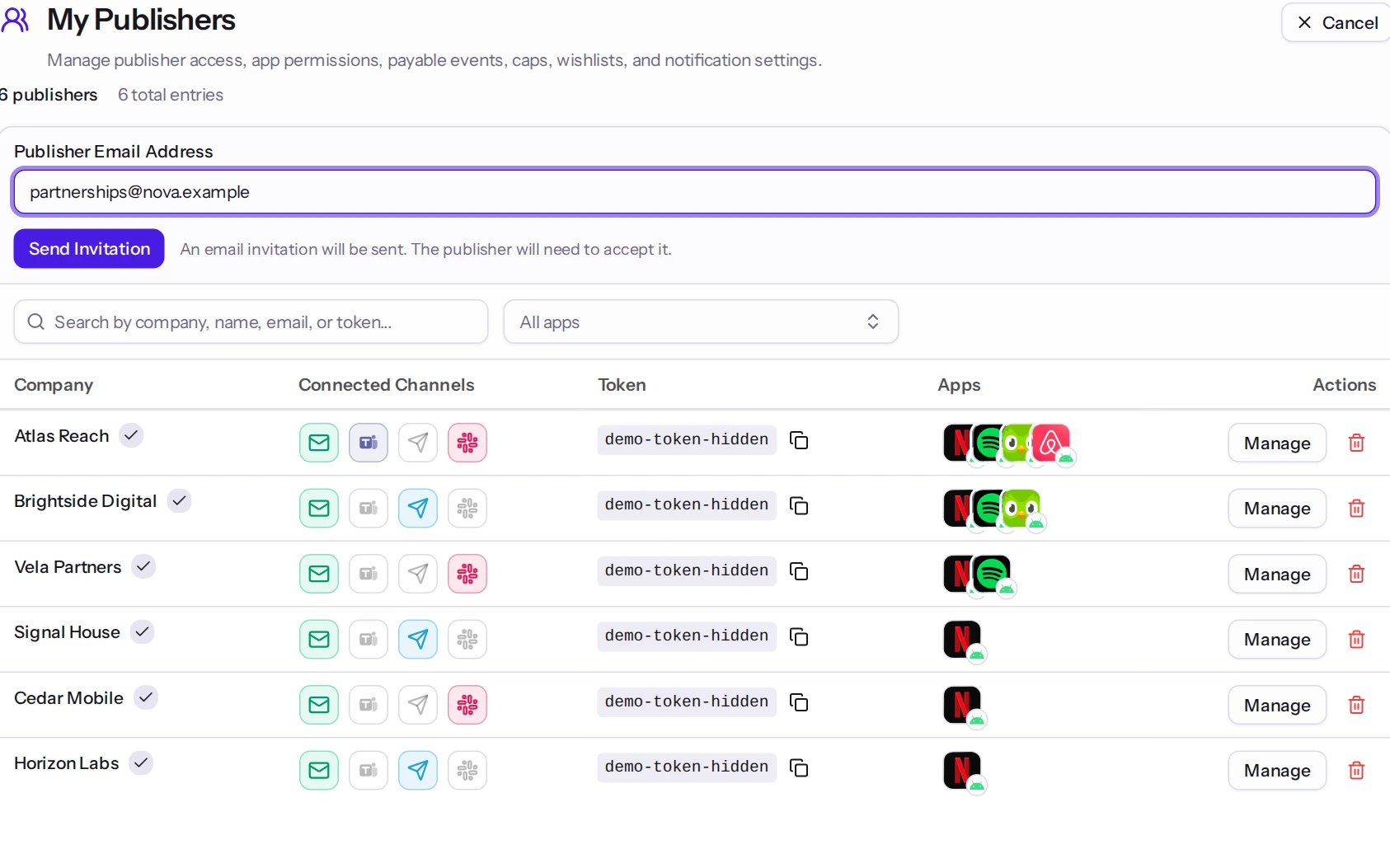
Give each person a useful workspace. Keep publisher visibility, link access and shared tokens tied to the permissions you choose.
Admins manage apps, invite partners, configure links and decide who gets access to each part of the organization.
The right context for the right people.
THE REST OF THE DAY? COVERED.
Blocked installs, post-attribution fraud and report exports, in the same workspace as your performance data.
Manage API and crawler connections, check their health and see when data was last collected.
Understand blocked installs and post-attribution fraud alongside performance, with AppsFlyer Protect360 data.
Match publisher app and geo requests against imported agency offers, so the next opportunity is easier to find.
Bring operational notifications to email, Slack, Microsoft Teams and Telegram, based on your channel setup.
Switch between separate workspaces with their own members, data, configurations and brand identity.